How To Convert Timestamp To Date and Time in Python

This tutorial is How To Convert Timestamp To Date and Time in Python. python timestamp to date and time convert using ctime(),gmtime(),strftime(), and fromtimestamp() function. You can use the fromtimestamp function from the datetime module to get a date from a UNIX timestamp. There are multiple ways how you can convert timestamp to human-readable form in Python. This function takes the timestamp as input and returns the datetime object corresponding to the timestamp.
Using datetime module
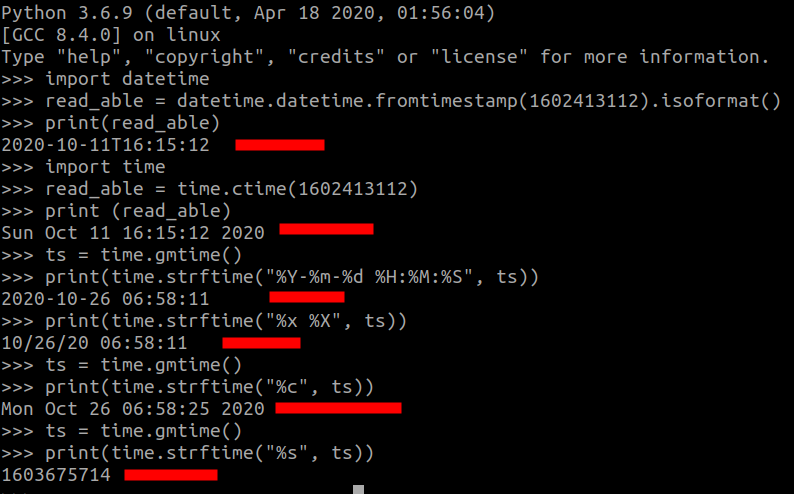
import datetime

read_able = datetime.datetime.fromtimestamp(1602413112).isoformat()
print(read_able)

Output: 2020-10-11T16:15:12
Using time module
import time

read_able = time.ctime(1602413112)
print (read_able)

Output:  Sun Oct 11 16:15:12 2020
Formatting
import time

ts = time.gmtime()
print(time.strftime("%Y-%m-%d %H:%M:%S", ts))

Output: 2020-10-26 06:45:31

print(time.strftime("%x %X", ts))

Output: 10/26/20 06:45:31
Iso Format
import time

ts = time.gmtime()
print(time.strftime("%c", ts))

Output: Mon Oct 26 06:45:31 2020
Unix timestamp
import time

ts = time.gmtime()
print(time.strftime("%s", ts))

Output: 1603674931