How To Fix The XAMPP ERROR on MySQL Shutdown Unexpectedly?

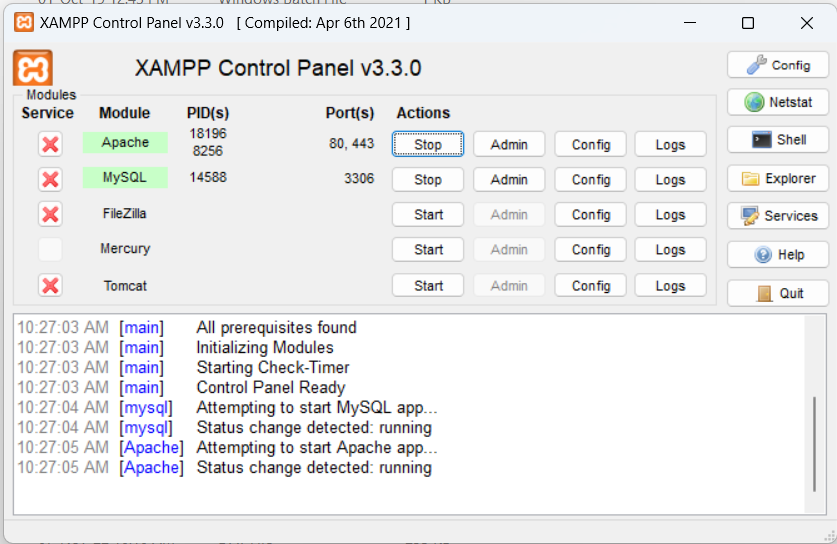
Today, we will learn How To Fix The XAMPP ERROR on MySQL Shutdown Unexpectedly. In this tutorial, I will Fix The XAMPP ERROR on MySQL Shutdown Unexpectedly. if your XAMPP has an error on MySQL shutdown unexpectedly then you are in the right place. The XAMPP ERROR on MySQL Shutdown Unexpectedly occurs when MySQL ports are mismatched, So I know how to solve The XAMPP ERROR on MySQL Shutdown Unexpectedly.
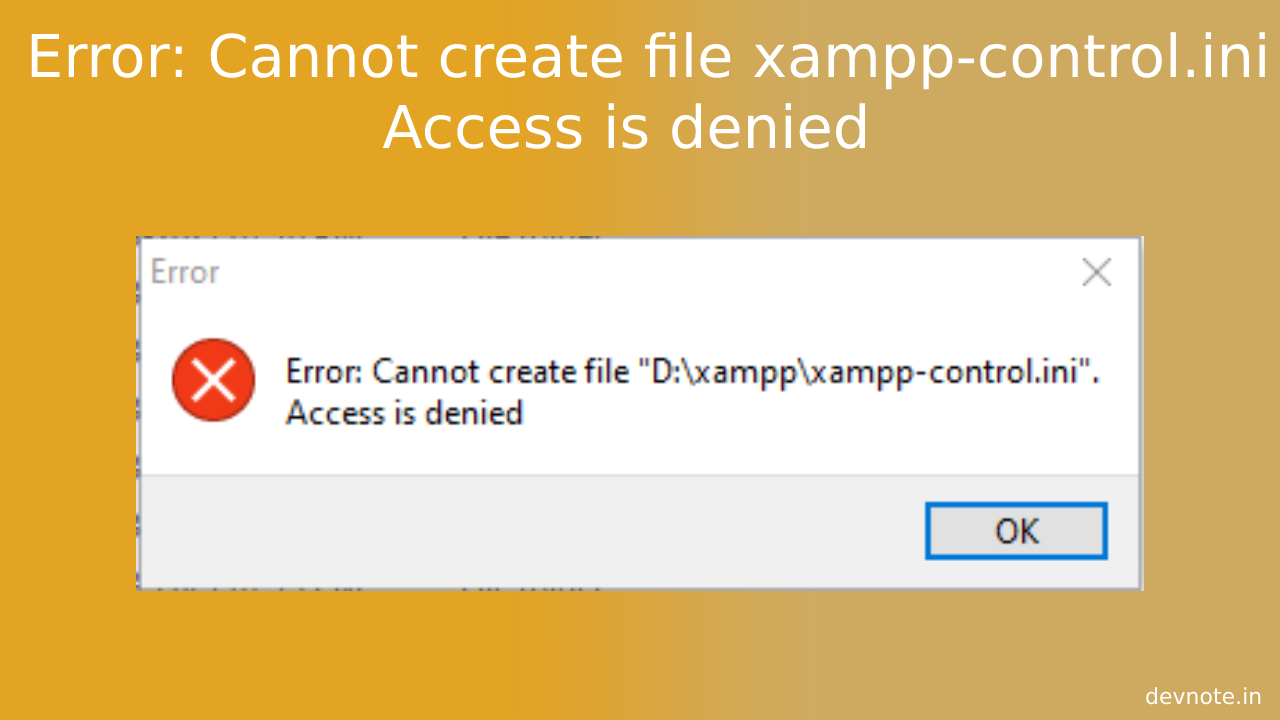
Also read Error: Cannot create file xampp-control.ini Access is denied
Important Notice: do not delete the ibdata1 file. If you delete the ibdata1 file, You could destroy all your databases.
How To Fix The XAMPP ERROR on MySQL Shutdown Unexpectedly?
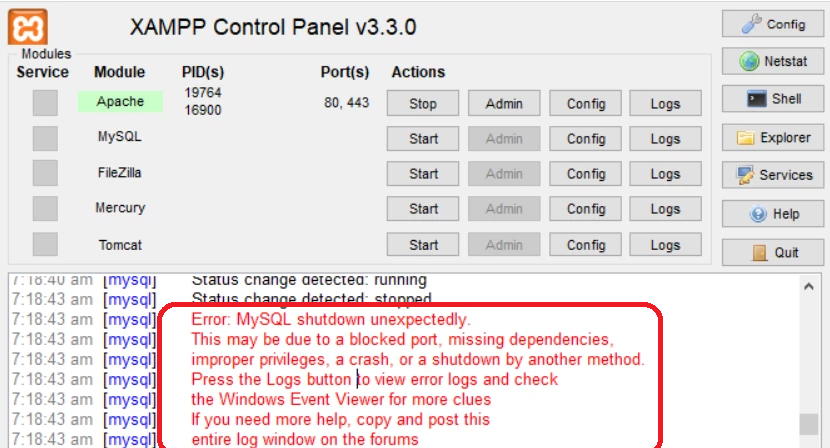
Sample errors:
- Error: MySQL shut down unexpectedly.
- Due to a blocked port
- Missing dependencies
- Improper privileges
- Shutdown by another method
Please follow the below steps:
- Rename the folder
mysql/datatomysql/old_data. - Make a copy of
mysql/backupfolder and name it asmysql/data. - Copy all database folders that are in
mysql/data_oldintomysql/data(skipping the mysql, performance_schema, test, and PHPMyAdmin) - Now remove
ibdata1file from newmysql/dataand then copy theibdata1file frommysql/data_oldand paste it inside the newmysql/datafolder. (Don’t replace the ibdata1 file in mysql/data folder) - Now, Please start the XAMPP Control panel as administrator.